
Responsible Money
Keeping Your E-Wallet Spending in Check

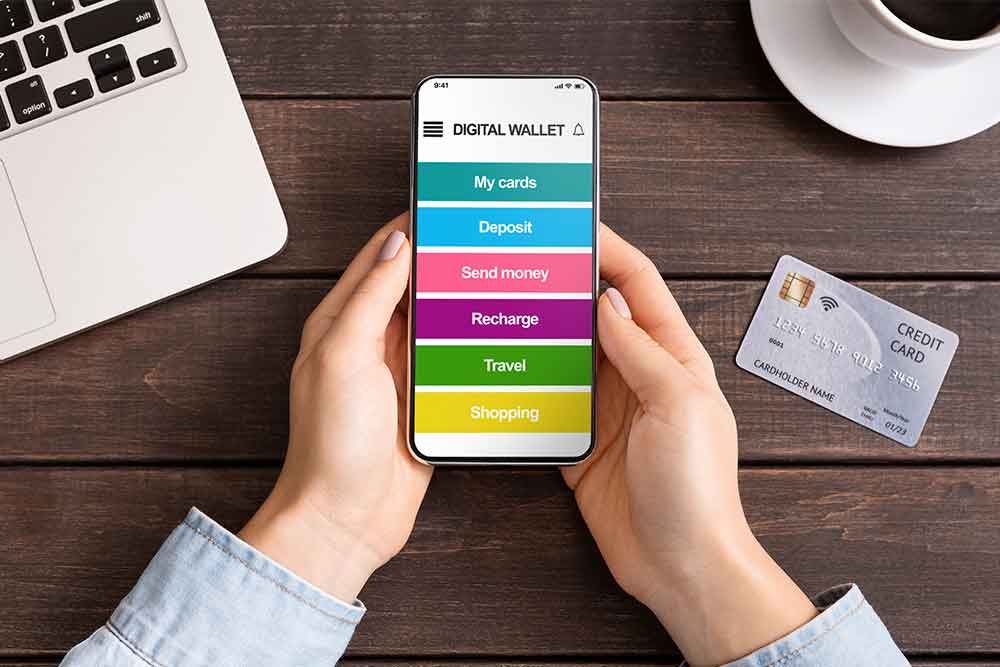
E-wallets make paying fast, but that convenience can make spending feel less real. The key is to preserve the speed of digital payments while adding simple friction, limits, and regular reviews so your money still follows your plan.
Why e-wallets encourage overspending
Digital payments reduce the visible “pain” of handing over cash, which can make impulse purchases easier and make small transactions feel insignificant. Research on payment behavior finds that digital payments can have a stronger effect on spending behavior than cash, particularly when people do not consciously track purchases.
The problem is not the wallet itself. It is the absence of deliberate controls. A tap-to-pay purchase, an in-app top-up, a subscription renewal, or a one-click checkout can all bypass the natural pause that a cash transaction creates.
Set a spending ceiling
Start with a monthly amount you can realistically spend from your e-wallet after essential bills, savings, and debt payments. Treat it as a spending allowance, not a target to exhaust.
- Separate needs from wants: assign the wallet to discretionary categories such as food delivery, shopping, entertainment, and rides.
- Use category limits: set a cap for each category, such as dining, online shopping, or gaming.
- Plan for large purchases: require a 24-hour waiting period before any purchase above a chosen threshold.
- Keep a buffer: leave a small amount unallocated for genuinely unexpected, necessary expenses.
Structured budgeting and expense categorization are associated with more deliberate consumer behavior, and financial tools that support short- and medium-term planning can help people manage spending more effectively.
Add friction before you tap
Convenience is useful, but it should not mean zero thought. Build small pauses into the payment process.
- Turn off one-click purchasing and saved payment details where you do not need them.
- Remove stored cards from shopping apps you use impulsively.
- Require biometric authentication or a PIN for every payment.
- Delete or mute promotional notifications from shopping and delivery apps.
- Use a “wishlist” rule: save non-urgent purchases for 24 to 72 hours before buying.
Deactivating one-click purchasing is a practical way to reduce temptation, while regular transaction reviews help reveal where overspending is happening.
Use alerts and weekly reviews
Set notifications for every transaction, large transfers, low balances, and spending above a chosen limit. Then review the week’s activity at a fixed time like Sunday evening, for example, rather than waiting for a month-end surprise.
A simple weekly review can take five minutes:
- Open the wallet’s transaction history.
- Sort spending into a few broad categories.
- Compare the total with your category limits.
- Identify one adjustment for next week, such as reducing delivery orders or pausing an unused subscription.
- Move any unspent discretionary money toward savings or a specific goal.
Digital wallets often provide real-time transaction information and may categorize purchases, making it easier to see patterns and set limits.
Keep subscriptions visible
Recurring charges are especially easy to overlook because they happen automatically. Audit them monthly and cancel anything you would not willingly repurchase today.
| Subscription type | What to check | Useful rule |
|---|---|---|
| Streaming | Whether you watched it in the past month | Cancel if unused for 30 days |
| Delivery memberships | Whether fees outweigh savings | Calculate annual cost before renewing |
| Apps and cloud storage | Whether you still need the plan | Downgrade rather than auto-renew |
| Free trials | Renewal date and cancellation steps | Set a reminder before the trial ends |
A calendar-based budget can also help you anticipate larger expenses in advance instead of relying on credit or e-wallet balances when they arrive.
Protect the wallet, too
Spending control and account security go together. If someone gains access to your wallet, they can also disrupt your budget and finances.
- Use a strong, unique password and enable biometric login.
- Turn on transaction and fraud alerts.
- Avoid financial apps on public Wi-Fi.
- Double-check the recipient and amount before sending money.
- Review unfamiliar transactions promptly and report suspected fraud to the provider.
Consumer guidance recommends securing devices and apps, limiting transactions to trusted recipients, monitoring activity, and using spending caps for large purchases or transfers. A law also requires providers of covered mobile payment services to investigate errors reported by consumers.
A practical system
Try this simple setup for one month:
- Give your e-wallet a fixed monthly discretionary limit.
- Create three category caps: food and delivery, shopping, and entertainment.
- Turn on alerts for every transaction and any transfer above a set amount.
- Disable one-click purchases.
- Review spending every Sunday for five minutes.
- Transfer any unused balance to savings at month-end.
The goal is not to stop using your e-wallet. It is to make every tap intentional, so convenience supports your financial goals instead of quietly working against them.


You must be logged in to post a comment Login